When confirmed
Video Pins
May display a video preview, file format, detected resolution, file size, audio status, and one or more available source files — never an artificial quality label.
A clear look at what the tool supports, how it works, and where its limits are.
Check a Pinterest Pin
Paste link · click Find Media · review the result

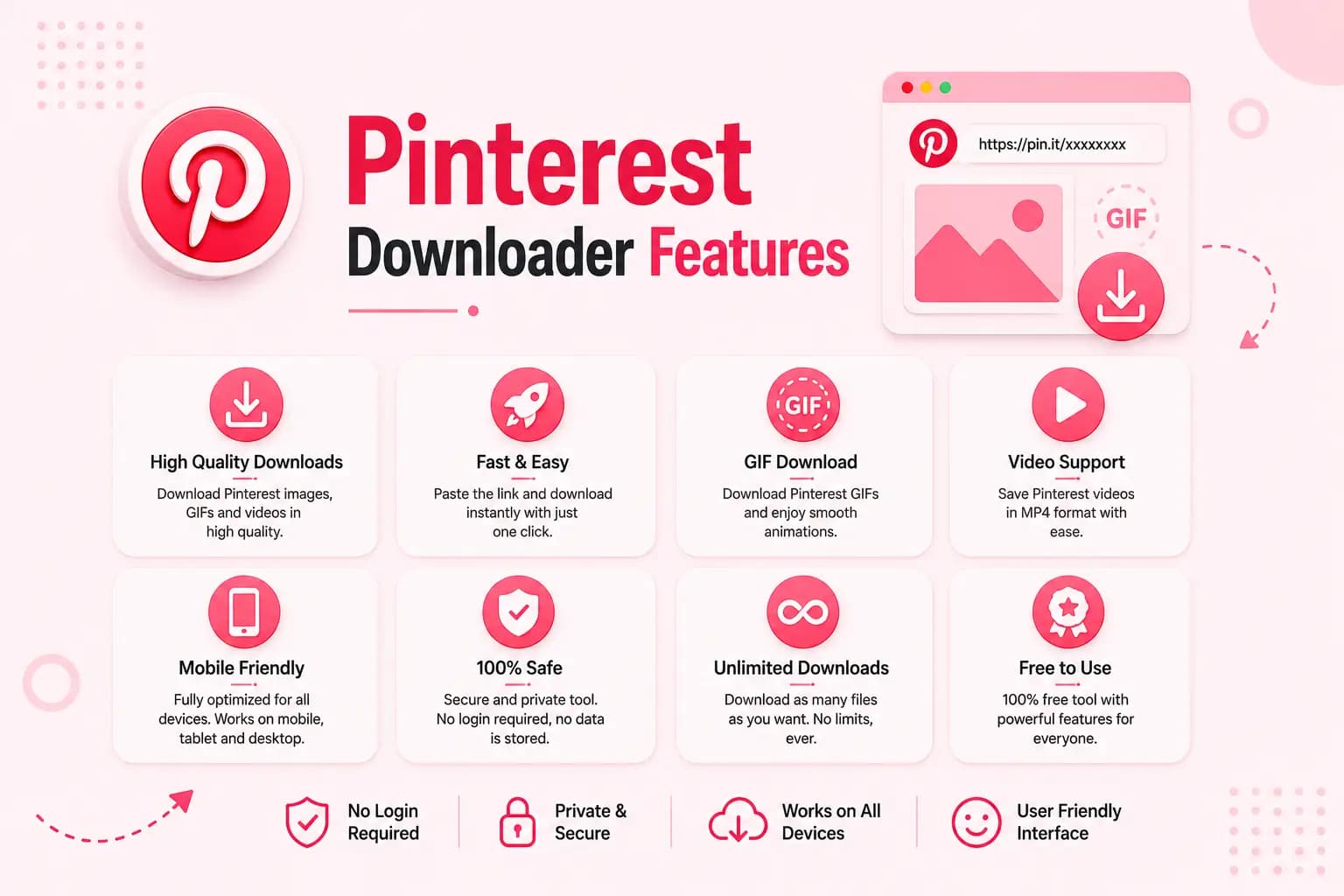
Pinterest Downloader is designed around one main task: checking a public individual Pinterest Pin link for supported media.
This page explains the tool's confirmed capabilities, technical limits, supported links, device behaviour, and privacy considerations — kept up to date whenever the downloader's supported media types change.
A button labelled Find Media is more accurate than Download when the first step only examines the URL — the tool separates checking a link from saving the result.
Opens a public Pin — find the individual Pin you want to check.
Copies its link — using the Pinterest Share menu or the browser address bar.
Pastes the URL into the downloader — into the input field above.
Processes the link — select Find Media to check the Pin.
Selects an available media result — choose from whatever the tool detects.
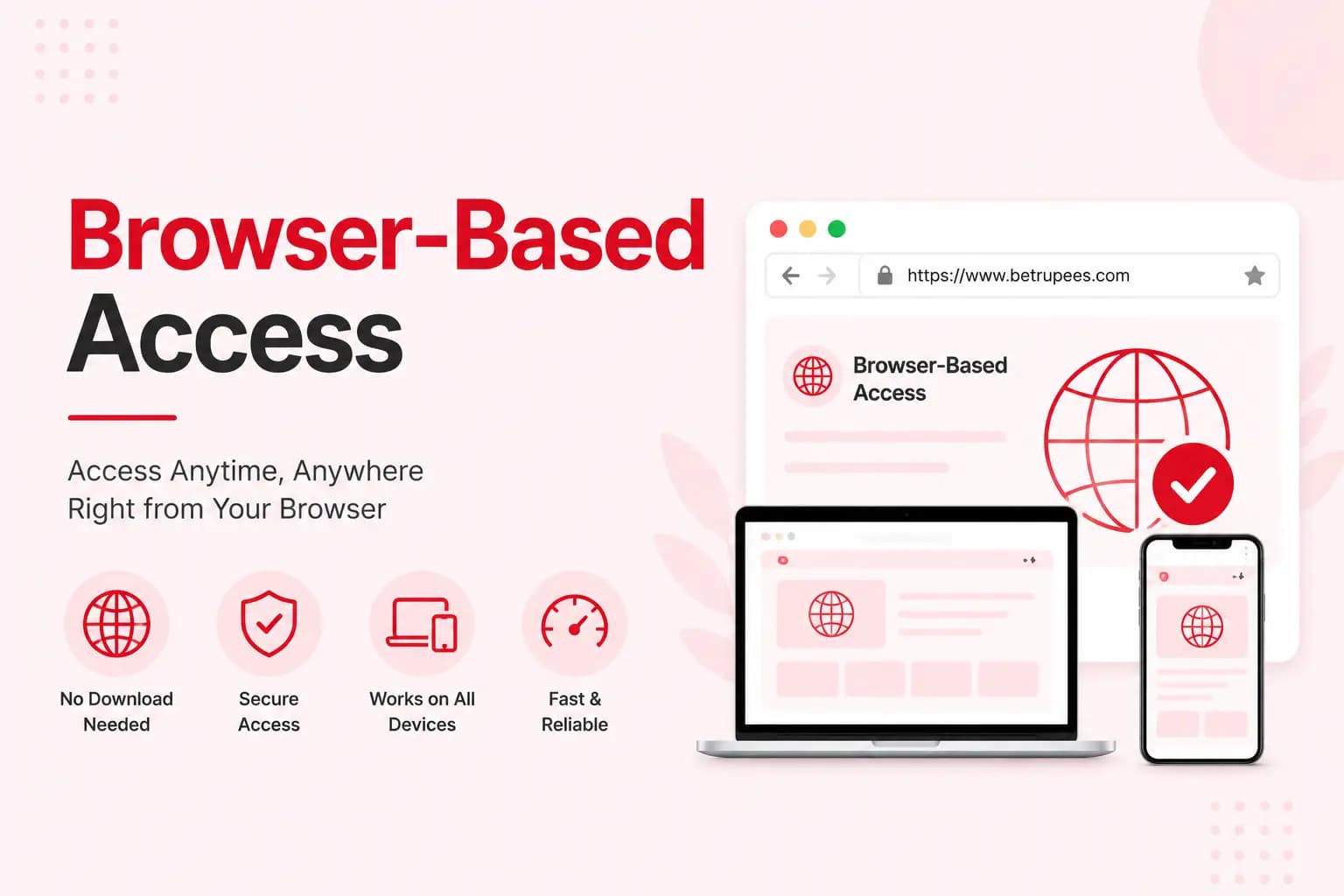
The downloader runs in a browser and does not require a separate APK, desktop application, or browser extension — the same core tool can be used across different devices without installing anything.
Users can process supported public Pin links without creating an account on this website. The tool is intended to process media available through public individual Pin links only.
A public-link downloader should never ask for a user's Pinterest password. It should not bypass:
Only information the backend actually returns is shown — verified format labels may include MP4, JPG, PNG, WebP, or GIF.
May display a video preview, file format, detected resolution, file size, audio status, and one or more available source files — never an artificial quality label.
Static Pins may return a downloadable image showing its actual format, dimensions, file size when available, a preview, and a download option.
Some moving Pins are delivered as video rather than traditional GIF files — the tool identifies the actual format rather than labelling every result as GIF.
Useful errors are part of the product experience — each one tells the user what to do next:
Invalid Pinterest link
Unsupported URL type
Private or unavailable Pin
No supported media found
Processing timed out
Temporary server error
File could not be generated
Browser blocked the download
Android users can copy a Pin link from the Pinterest application and paste it into a browser.
Copy a Pin link from the Pinterest application.
Paste it into a supported mobile browser and process it.
Check Downloads, Files, Gallery, or browser history for the saved file.
Windows and macOS users can copy a complete Pin URL from the browser address bar and process it through the tool.
Copy a complete Pin URL from the browser address bar.
Process it through the tool.
The file is normally saved to the browser's configured download location.
iOS users can process a Pin link through Safari or another supported browser.
Process a Pin link through Safari or another supported browser.
Check Safari Downloads or the Files application for the saved file.
A separate save action may be required to place media in Photos.
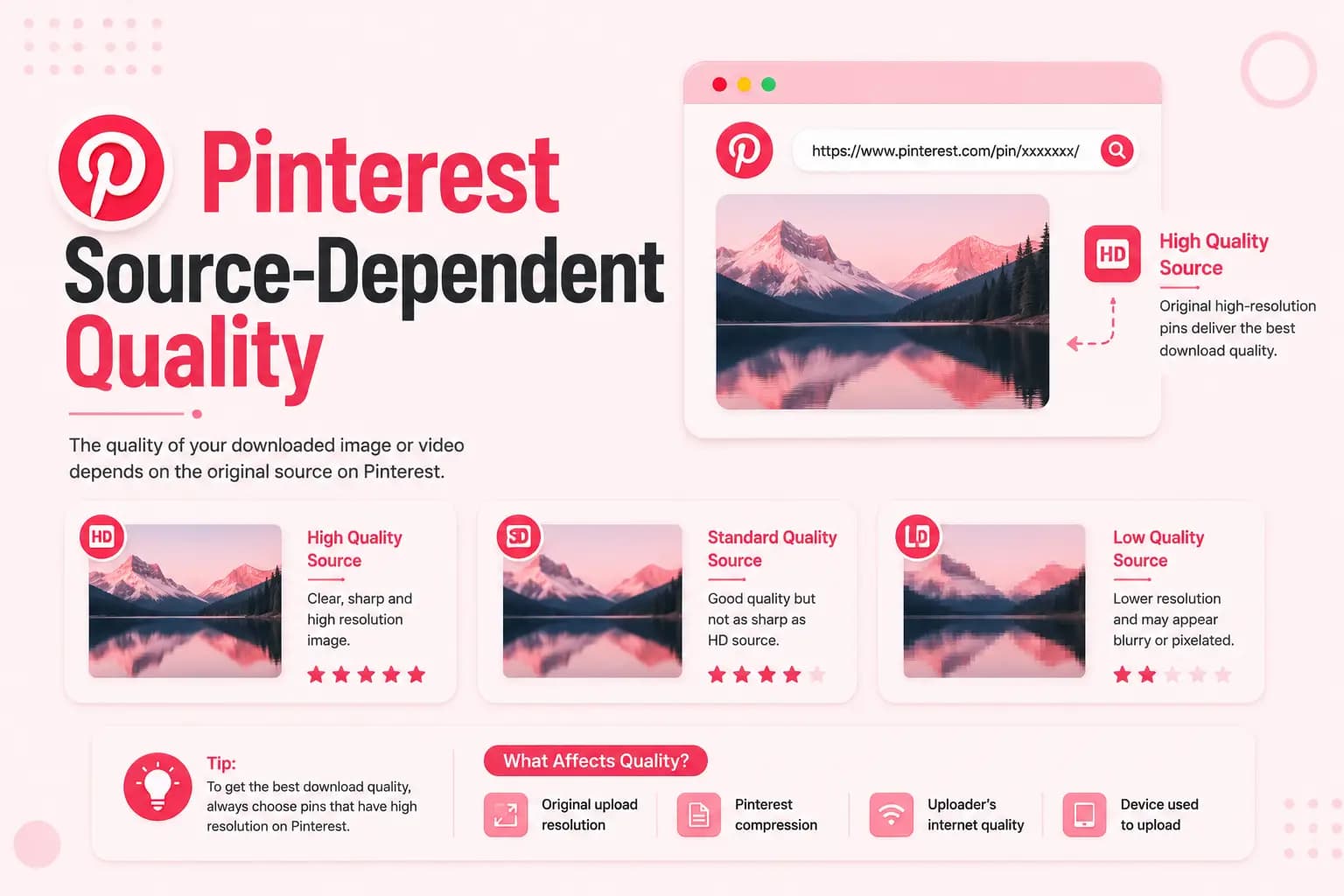
The downloader does not improve the source media. Results say available quality or detected resolution — never “enhanced quality.”
Available quality can be affected by:
Processing time is not instant, and it isn't promised to be “lightning fast” — it varies depending on:
Server load
Network speed
Link type
Source availability
File size
Conversion requirements
Temporary Pinterest changes
HTTPS is not treated as proof that no data is collected. Our full Privacy Policy discloses:
The tool reminds users that:
Public media may still be copyrighted
Downloading does not transfer ownership
Permission may be required
Commercial reuse may be restricted
Private content must not be bypassed
Users are responsible for downloaded-file use
The most valuable features are not exaggerated quality or speed promises — they are practical and verifiable.
Reasonable technical limits may apply to protect service availability, rather than an unqualified “unlimited downloads” claim.
Public content only
Some URL types may be unsupported
Quality cannot be improved
Deleted files cannot be recovered
Private Pins cannot be accessed
Audio is not guaranteed
Format choice depends on source and backend
Browser saving behaviour differs
Platform changes may interrupt processing
The most valuable Pinterest Downloader features are not exaggerated quality or speed promises. They are a clear workflow, accurate file information, useful errors, transparent limits, and responsible data handling.
Every feature on this page is supported by current testing and technical documentation.
Quick answers about how the Pinterest Downloader works, what it supports, and its limits.
Yes — the service is fully browser-based.
Yes — you can process supported public Pin links without creating an account on this website.
No. Private, deleted, restricted, unsupported, or non-media links may fail.
The tool displays only the actual resolutions detected for the submitted Pin.
Yes — video, image, and supported animated Pins can all be checked, depending on what the submitted Pin provides.
Submitted links are processed to locate available media; retention and storage details are explained in our Privacy Policy.
There's no unqualified “unlimited” claim here — reasonable technical limits may apply to protect service availability.