Individual Pin
Public Animated Pins
Public individual Pins containing animated media, accessed through their direct Pin URL.
Paste your Pin link and check for an available GIF or animated file.
Download Pinterest GIF
Paste link · click Find Animated Media · save the result

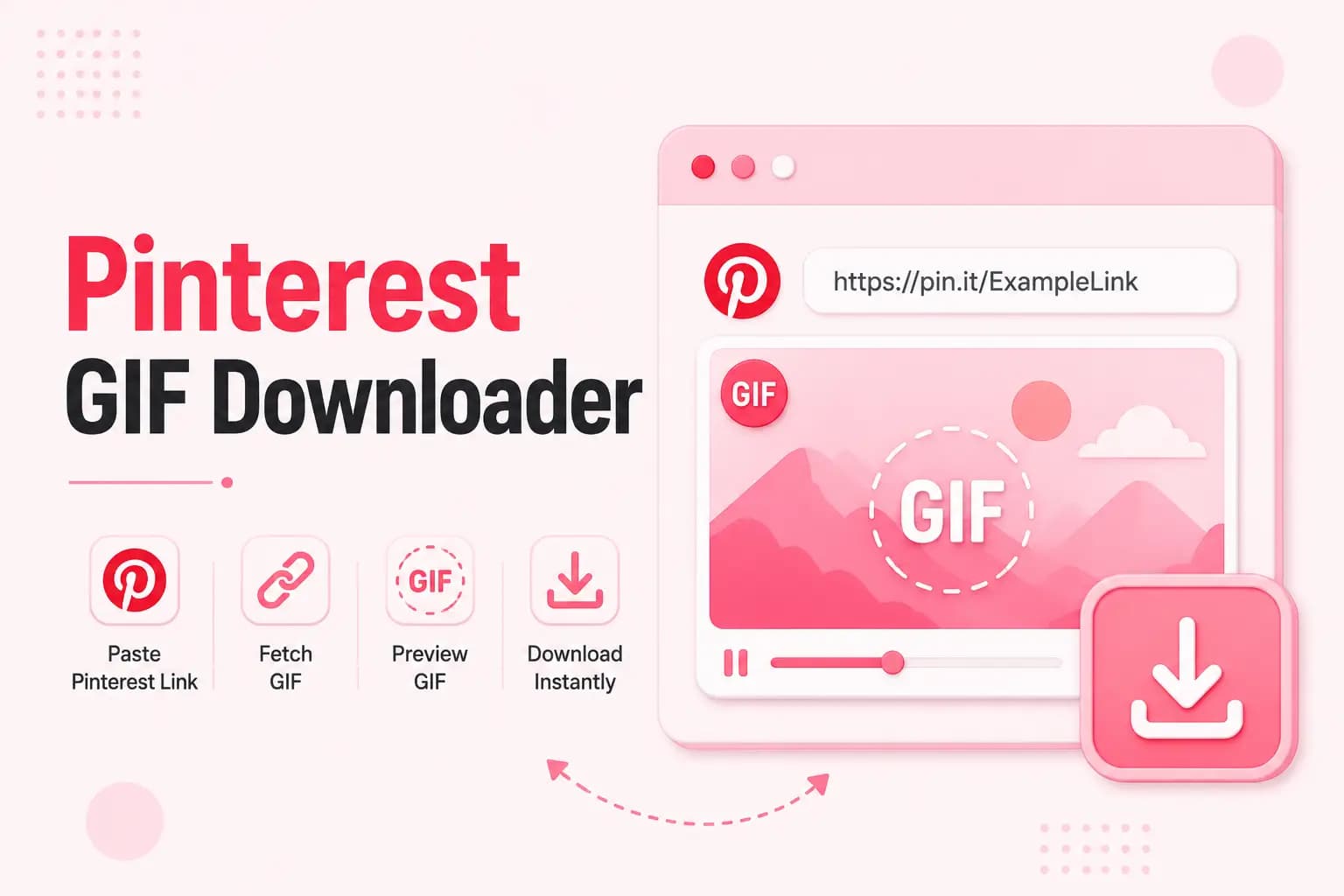
Pinterest GIF Downloader is a browser tool for checking whether a public Pinterest Pin contains supported animated media. Paste the link to the individual Pin and review the file options detected by the tool.
Not every moving Pin is delivered as a traditional .gif file. Pinterest may display animation as a video, an animated image, or another media format. The result shown reflects the actual detected format rather than labelling every animation as a GIF.
The complete process normally takes four simple steps.
Copy the animated Pin link — open the individual Pinterest Pin containing the animation, use the Share menu, and select Copy link. On desktop, you can copy the complete URL from the browser address bar instead.
Paste the link — paste the URL into the GIF downloader. Do not submit a board, profile, search page, or external website address.
Check the detected format — select Find Animated Media. The result may show a GIF, an MP4 video, a WebP animation, or another supported animated format. The page clearly labels the detected file rather than promising GIF output when the media is actually a video.
Save the available file — select the download button and follow your browser's save process. When the animation opens in a new tab, use the browser's download or save control; some mobile browsers may show different options for video-based and image-based animation.
The tool is intended for individual Pin links. Full direct Pin URLs are most reliable, and short Pinterest sharing links may also work when they resolve to a public Pin.
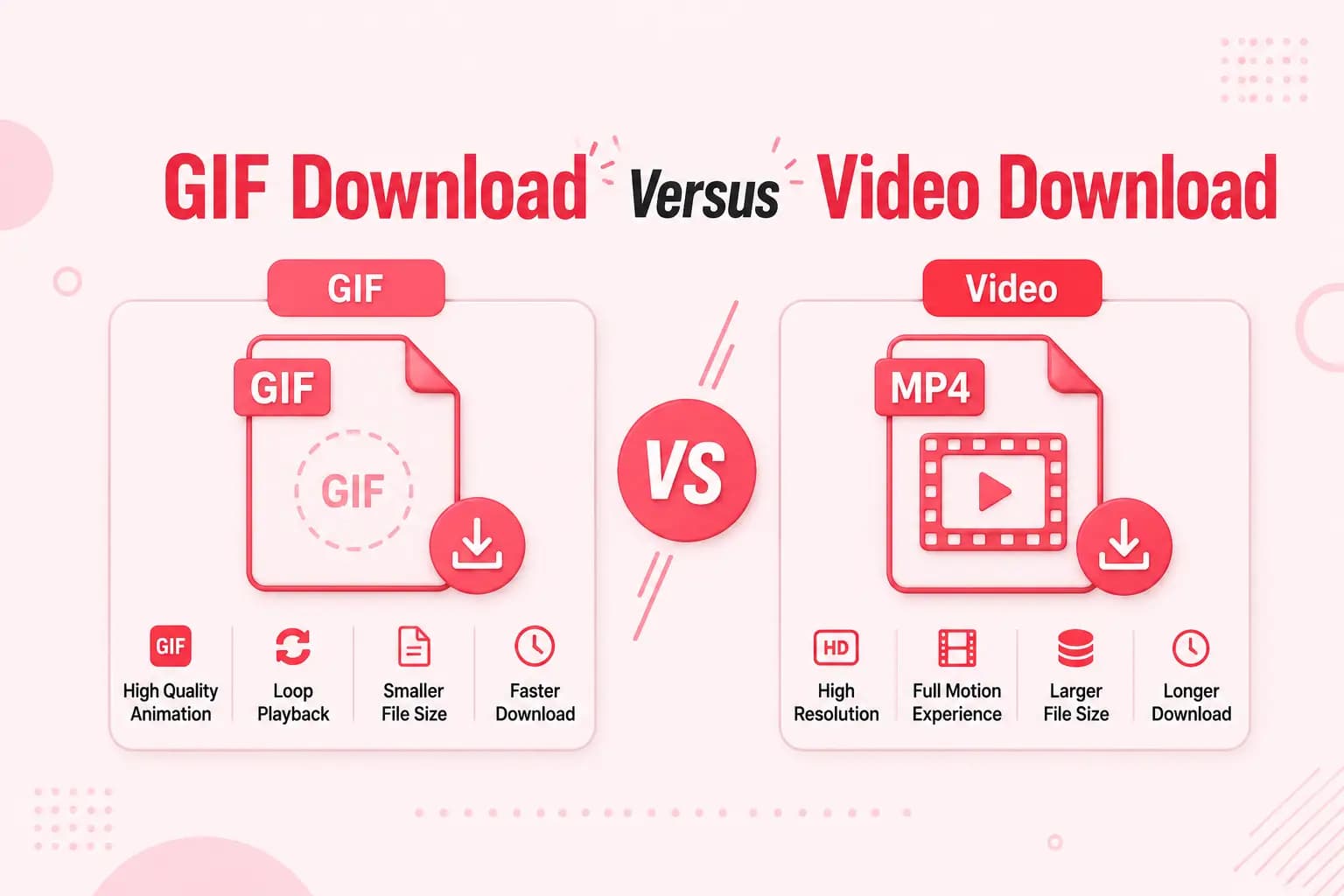
This tool returns the animated file detected from the public Pin — it does not convert that file into another format.
An animated Pinterest Pin may look like a GIF while being delivered as a video file. This distinction matters because:
Support depends on the source Pin and the tool's animated-media processing.
Public individual Pins containing animated media, accessed through their direct Pin URL.
Traditional .gif files detected from the source Pin, when the tool's processing supports them.
Animated WebP files detected from the source Pin, when supported by the tool and your browser.
Some moving Pins are delivered as a video file rather than a traditional GIF — this is shown as a video result rather than mislabelled as a GIF.
The following content is not supported:
Private Pins
Deleted Pins
Board and profile links
Login-restricted content
External destination URLs
Unsupported media streams
Files no longer available from the source
Copy the Pin link, open the downloader in a mobile browser, and save the detected animated file.
Copy the individual Pin link from the Pinterest application.
Open the downloader in a mobile browser and paste the link.
Select the available animated file to save it.
Check Downloads, Files, Gallery, or your browser's download history if the file doesn't appear where expected.
Use Chrome, Edge, Firefox, Safari, or another tested browser.
Open the individual Pin in a desktop browser and copy its complete URL.
Paste the link into the tool and select Find Animated Media.
Choose the available file once the result appears.
Downloaded files normally appear in your browser's configured Downloads folder.
Use Safari to process the public Pin link — GIF and video files can behave differently when opened or saved.
Copy the individual Pin link and open the downloader through Safari.
Paste the link and select the available animated file.
Check Safari's Downloads or the Files application — the file may first appear there.
GIF and video files can behave differently when opened or saved to Photos, so use the option your browser or the Files app offers for that file type.
The downloader does not increase frame rate, resolution, sharpness, or animation length.
When conversion is offered, it may affect file size, animation smoothness, transparency, or compatibility — it cannot add detail or motion that wasn't in the original file.
The output depends on:
A failed or unexpected result does not always mean the tool is broken.
No animated file was detected: the Pin may contain a static preview, an unsupported video stream, or externally hosted animation.
The result is MP4 instead of GIF: the Pin may deliver its animation as video — this is not necessarily an error.
The GIF does not move: the browser, image viewer, or website may show only the first frame — open the file in a program that supports animation.
The file has no sound: traditional GIF files do not contain audio. A video-based animation may include sound only when the source provides it.
The file is very large: GIF compression can produce large files, especially for long or high-resolution animations.
Animated media is protected by the same ownership and copyright principles as other images and videos.
Do not redistribute or commercially reuse another creator's animation without the necessary rights.
This website is independent and is not affiliated with Pinterest.
Download animated media only when:
You own the content
You have permission to save it
You are otherwise legally allowed to use it
Pinterest GIF Downloader checks a public individual Pin for supported animated media. It clearly identifies whether the result is a GIF, video, animated image, or another format.
The tool cannot guarantee that every moving Pin is available as GIF, and it does not provide rights to republish the downloaded content.
Quick answers to the most common questions about downloading Pinterest GIFs and animated media.
No. Some animations are delivered as video or another format.
No — the tool returns the animated file detected from the source rather than converting video into GIF.
Traditional GIF files do not include sound.
Supported files may be downloaded through Safari and found in Files or Downloads. Saving and playback behaviour depends on the format.
Your viewer may not support animation, or the result may be a static preview.
No. Private or restricted content should not be accessed through the tool.