Required
Video Stream
Every MP4 result contains a video stream at whatever resolution and bitrate the source or confirmed processing provides.
Paste a public video Pin link and check for an available MP4 file.
Pinterest to MP4
Paste link · click Find MP4 · save the result

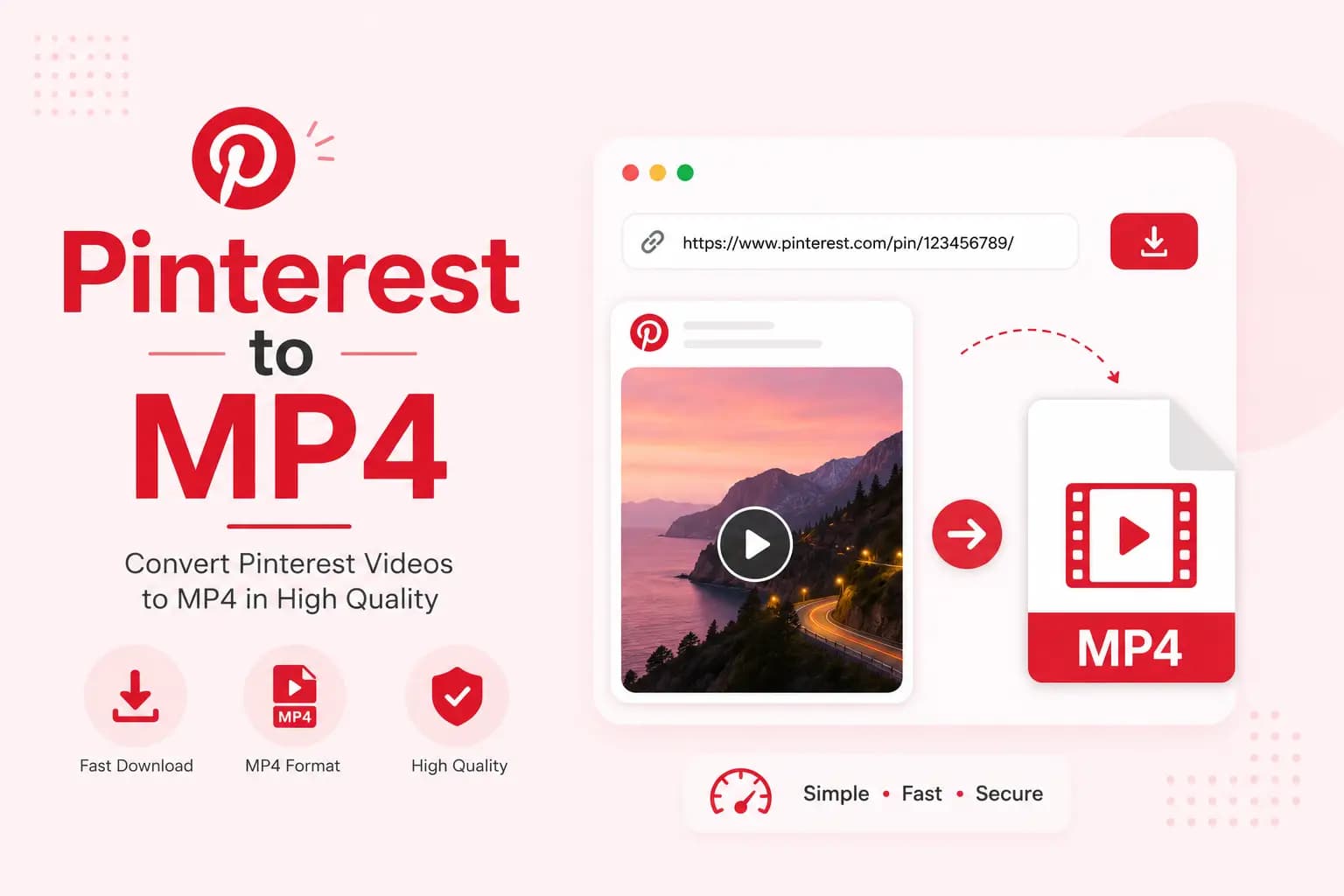
Pinterest to MP4 helps users check a public video Pin for an available MP4 file. Paste the direct link to an individual Pin, process it, and select an MP4 result when that format is detected or produced.
The tool checks the public Pin for an existing MP4 video and provides the available source file — it does not change the original format or re-encode the video. Downloading an existing file and converting one into another format are different technical processes, and this page is clear about which one applies here.
A button labelled Find MP4 is more accurate than Download when the first step only examines the URL.
Open the public video Pin — find the individual video Pin rather than its board, profile, or source website.
Copy the link — use the Pinterest Share menu and select Copy link. On desktop, copy the complete Pin URL from the browser address bar.
Paste and process — paste the URL into the tool and select Find MP4. The results display the real file format, detected resolution, and file size when this information is available.
Download the MP4 file — select an available MP4 option. The browser may save the file or open it in a media tab; use the browser's save control when the file opens instead of downloading.
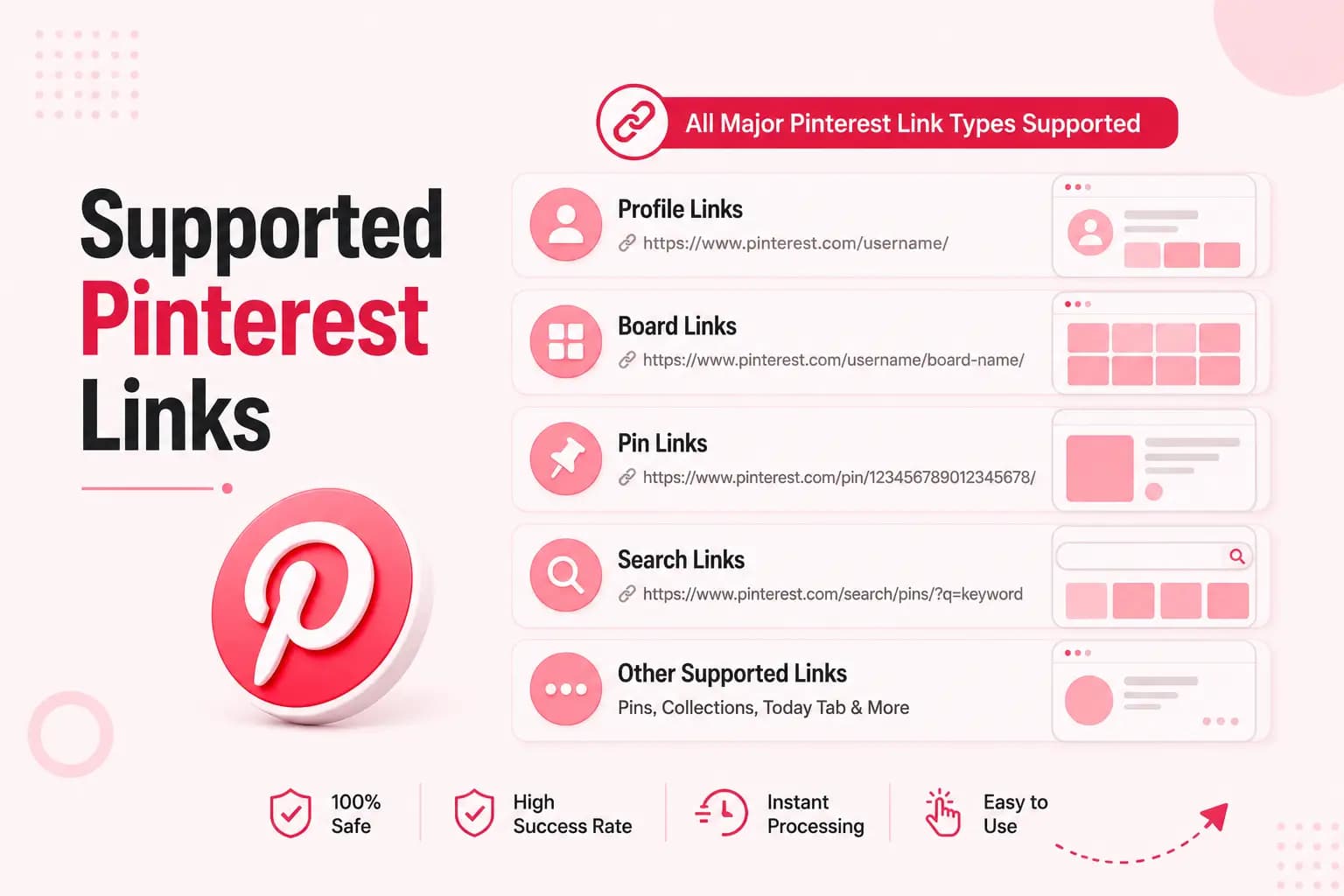
The MP4 tool focuses on public individual video Pins and full Pinterest Pin URLs. Short share links and supported regional domains may also work when the tool can resolve them to a public Pin.
It does not claim support for links that don't identify one specific public video:
MP4 is a container format — it does not guarantee a particular resolution, codec, or audio track.
Every MP4 result contains a video stream at whatever resolution and bitrate the source or confirmed processing provides.
An MP4 can include audio when the source has a supported track — some results are silent because the original Pin has no audio to include.
Results show the actual detected resolution — low, standard, HD, or Full HD — rather than a promised or upscaled quality label.
MP4 is commonly supported by modern browsers, phones, computers, media players, and editing applications. Compatibility also depends on the codecs stored inside the MP4 container, not just the container format itself.
A file that doesn't play may use an unsupported codec, or it may not have downloaded completely:
Try opening the file in a different media player or browser
Check that the download finished completely before playing it
Re-download the file if it appears corrupted or incomplete
Confirm your player supports the video and audio codecs used
Copy the Pin link, paste it into the tool, and download the available MP4.
Copy the individual video Pin's link from the Pinterest application.
Paste it into the tool in a supported mobile browser and select Find MP4.
Download the available MP4 and check your browser history, Downloads folder, Files application, or Gallery.
Use a tested desktop browser — the MP4 normally appears in the browser's configured Downloads folder.
Open the individual video Pin in a desktop browser and copy its complete URL.
Paste the link into the tool and select Find MP4.
Download the available file — it normally appears in your browser's configured Downloads folder.
Use Safari to process the link — downloaded files may appear through Safari's Downloads control or inside Files.
Copy the individual video Pin's link and open the tool through Safari.
Paste the link and select Find MP4.
Check Safari's Downloads control or the Files application — a separate save action may be needed to place the video in Photos.
MP4 is a container format. It does not guarantee a particular resolution or level of quality — a file can be low resolution, standard definition, HD, Full HD, or another source-dependent resolution. This page does not describe every MP4 as HD.
The tool does not create genuine 1080p, 2K, or 4K detail when the source file does not contain it.
The available quality depends on:
An MP4 file can contain video and audio, but audio is not guaranteed. The result page indicates audio availability when the backend can detect it. Audio may be missing when:
The original Pin is silent
The available source has no audio track
Audio and video are delivered separately
The audio codec is unsupported
Conversion settings exclude audio
Processing fails to combine the streams
HTTPS is not treated as proof that no data is collected. Our full Privacy Policy explains:
Converting or downloading a file does not change its ownership.
Do not redistribute or commercially reuse another person's video without the necessary rights.
The service does not bypass private access controls and is not affiliated with Pinterest.
Use the MP4 tool only for content when:
You own it
You have permission to save it
You are otherwise legally allowed to use it
Pinterest to MP4 helps users check a public video Pin for an available MP4 result. The tool checks for an existing MP4 file rather than performing conversion, and it accurately labels what it finds.
File quality, resolution, size, and audio depend on the source and the confirmed processing method.
Quick answers to the most common questions about downloading Pinterest videos as MP4.
Some videos may already be available in MP4, while others may use a different delivery method. The result displays the actual detected format.
No — the tool checks for an existing MP4 file rather than converting another format.
No. MP4 describes a container format, not a resolution.
Only when the source and processing method provide a supported audio track.
Only when the tool detects and displays more than one genuine source option.
No. The tool does not bypass private or restricted access.